
When an error occurs in Cortex Project History, it is recorded in an error log. The information in the error log can help your Eos support representative resolve your issue.
If you need to contact Eos Support for assistance, you can download the error log file and have it ready to send.
To download the error log file:
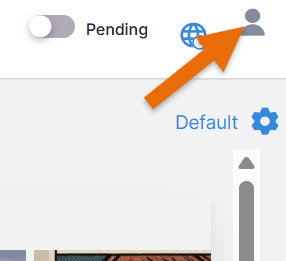
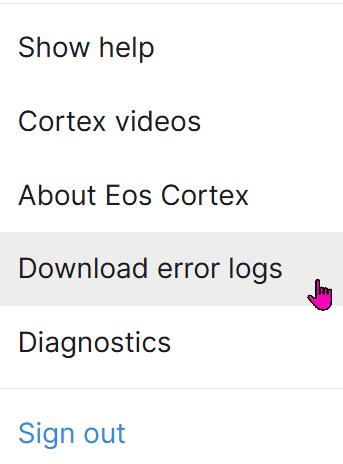
Click your name (top right corner of Cortex Project History window), and click Download error logs.
Cortex zips up the log files and downloads the .zip file to your computer. The .zip file is protected as a safeguard.