1. Open Sage then open the existing estimate (or open from Navigator).
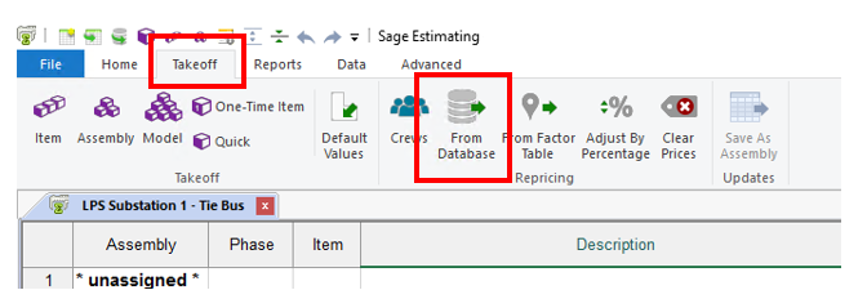
2. Go to the Takeoff tab and click From Database.
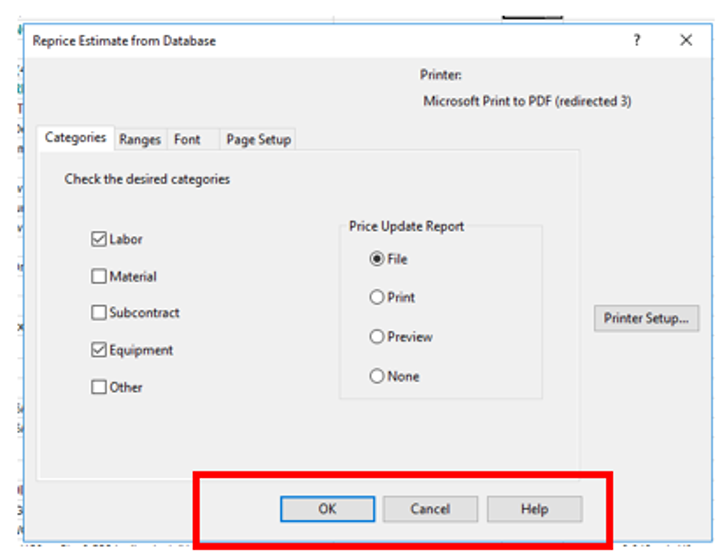
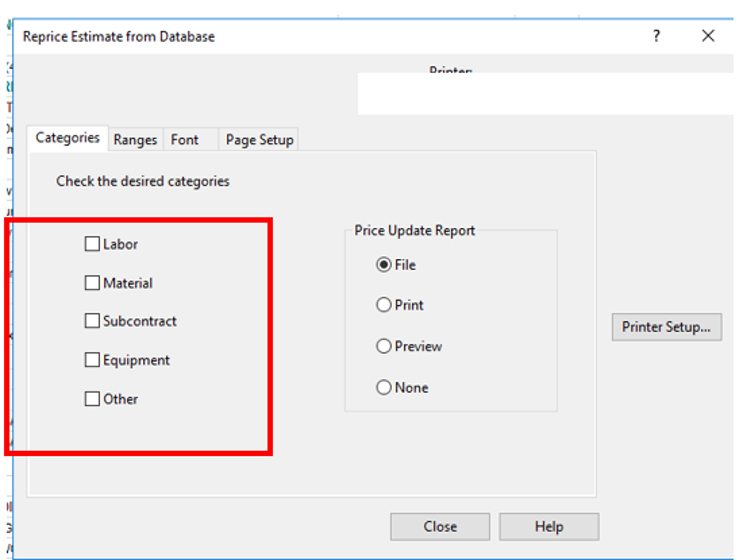
3. This opens the Reprice Estimate from Database window. Check mark any and all of the cost details to receive updated pricing. If you want all categories updated for the estimate, checkmark all of the options. If you know which specific ones you want updated, select only those specific categories.
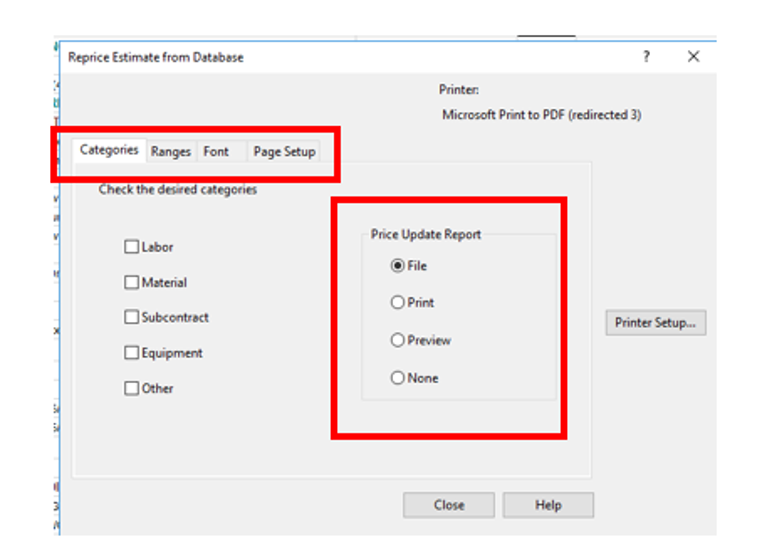
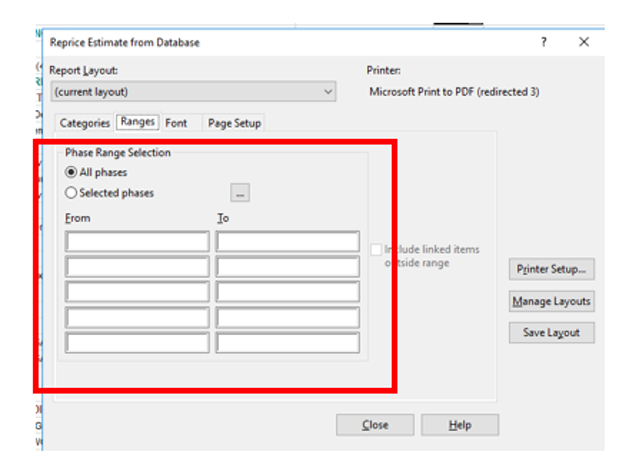
4. Optional: You can also use the other options in this window the set preferences for printing the report (if you choose to generate a report). You can apply a Line Item Phase filter for the report (this would only display line items in your estimate for a specific Phase range). Click the three dots to choose specific phases.
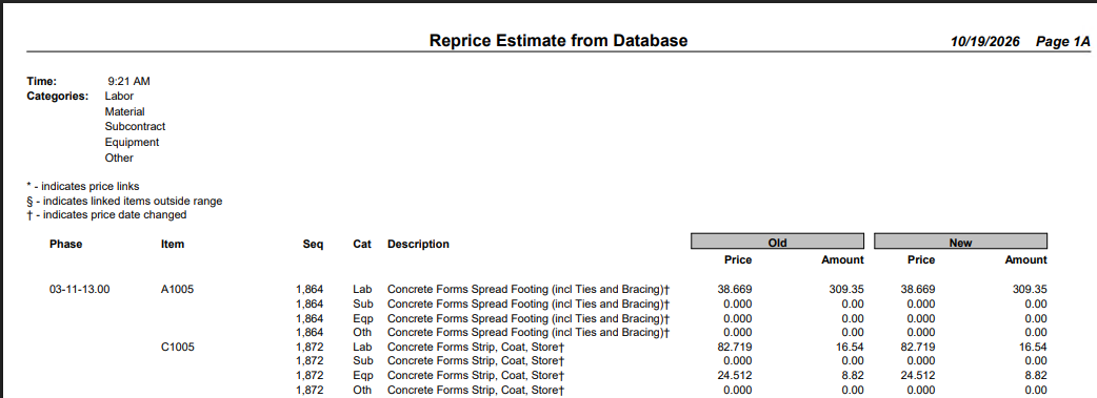
It’s not necessary, but It’s always wise to generate a report so you can review which changes were made. You will also have a record of exactly which line items were updated in your estimate. Below is an example of the report.
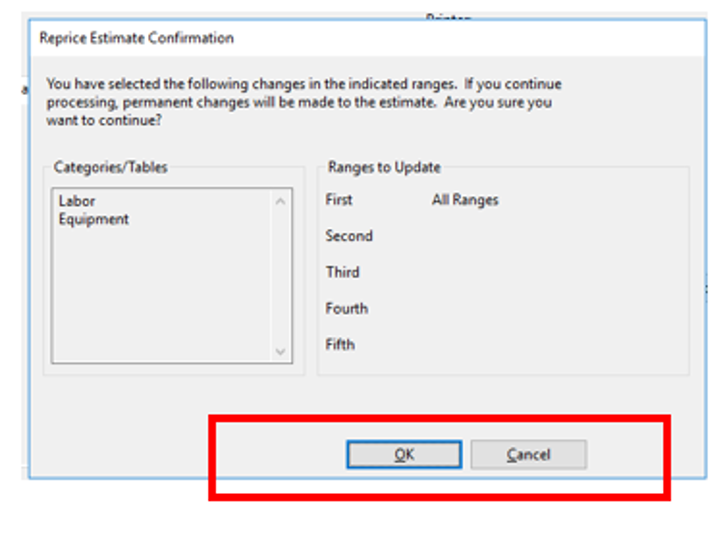
5. After making your choices, click OK twice to update.
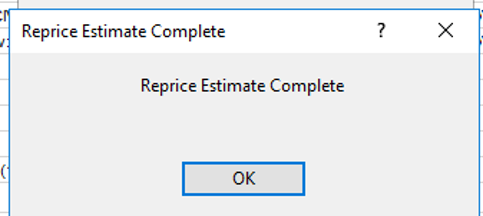
Click OK again to close the Reprice Complete message.