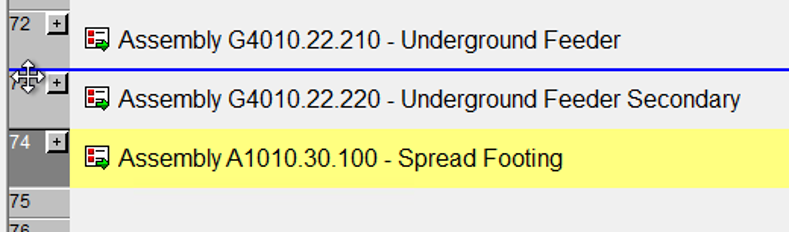
If you are making changes to a model in Sage Estimating you may encounter this error:
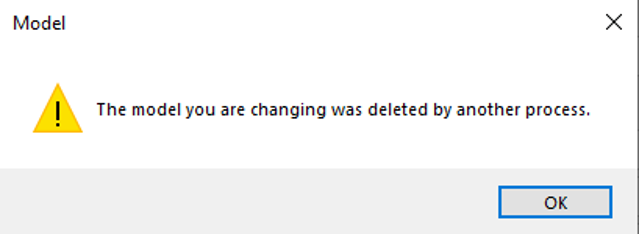
This error does not necessarily mean the model you are changing has been deleted. It could point to a Sage internal process, or data application, but it is not being deleted. This error will appear sometimes if you attempt to move a row (question line) to a different location or while attempting to insert a database line item or assembly.
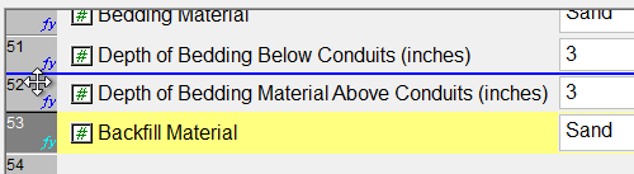
If you encounter this warning while attempting move a question line row:
Unfortunately, you will not be able to relocate the row by moving it. Click OK to close the error message, then click Cancel to exit model editing. Then you can either keep the row in its original place, or create a new question line row in a different location:
1. Insert a new row, of the same line type, in your preferred location.
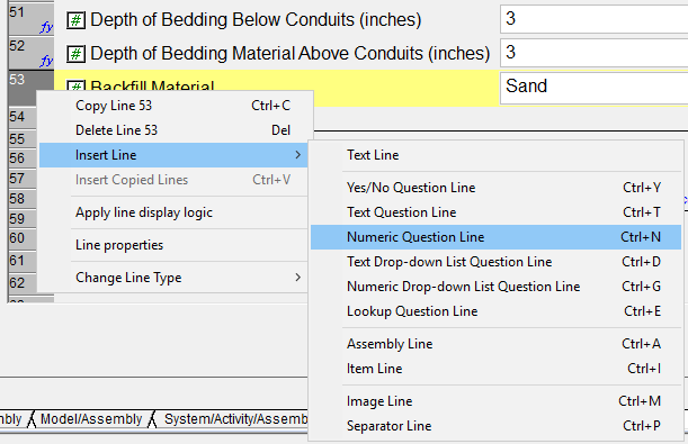
2. Copy and paste your text (including display logic, inputs, & drop-down menu options) from the old question line row into the new row.
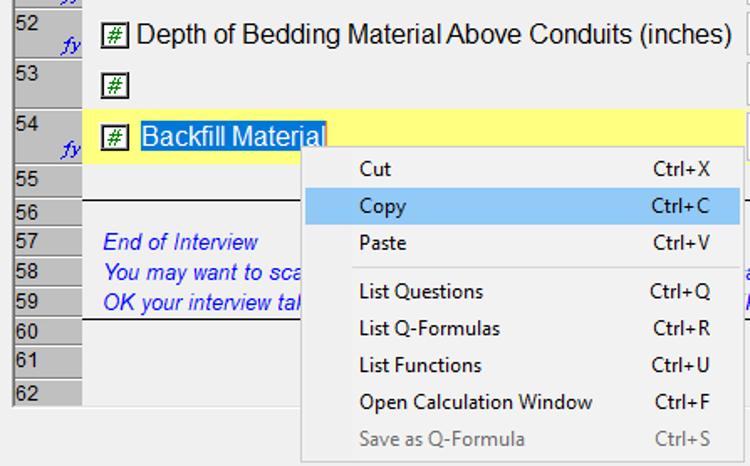
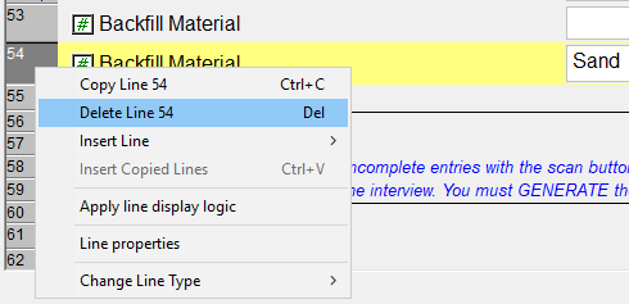
3. Lastly, go back and delete the old question line row once everything has been copied. Click Save when finished.
Note: remember you will need to go back and update any question line links (e.g. Q53) made in any calculations to the new question line location. This includes line item and assembly calculations and display logics.
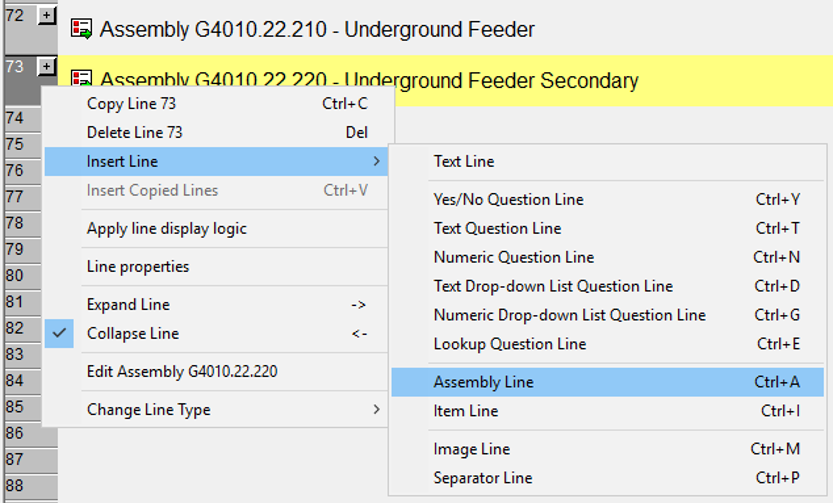
If you encounter this warning while inserting/adding a line item or assembly:
1. Click OK to close the message, then click Cancel to exit model editing.
2. Find the last empty question line row (all the way at the bottom of the model) and insert your line item or assembly in this location.
You will be able to add the line and edit as normal without a warning if inserting the line at the end.
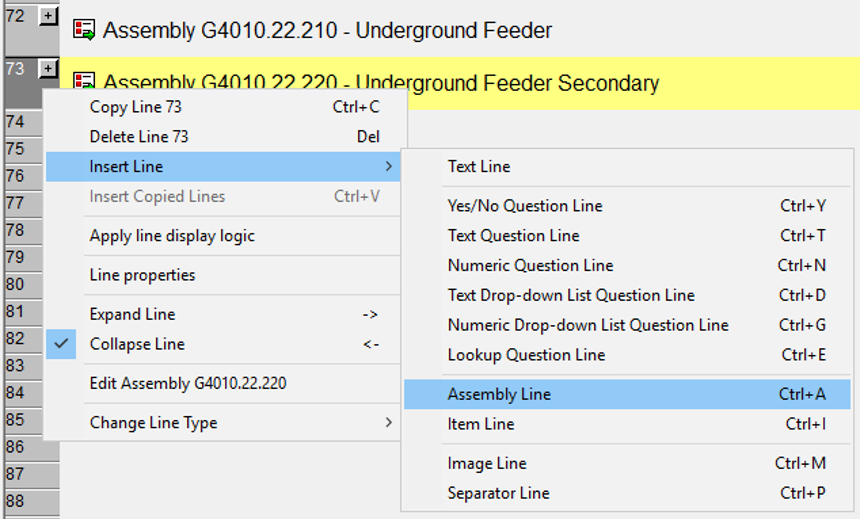
3. You will also be able to move the line without a warning. Move the line to your preferred location and click Save when finished.